
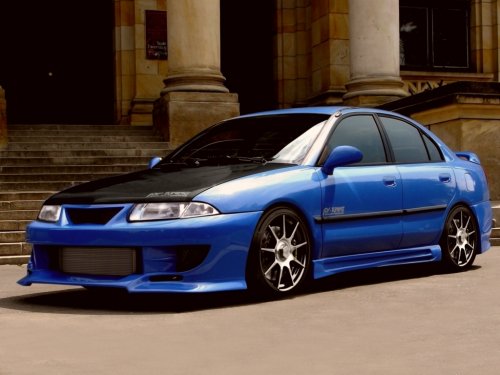
Mitsubishi Carisma
Mitsubishi Carisma
See also:
Removing and installing the battery upper cover (Petrol-powered vehicles
equipped with turbocharger)
Warning
► Turn the ignition key to the “LOCK” position on the vehicle. Make sure that
your clothes cannot be caught by the fan or drive belt. Personal injury could result.
To remove
1. ...
Information screen display list
When there is information to be announced, such as lamp reminders, a sound is
emitted and the screen switches to the displays shown below. Refer to the appropriate
page and take the necessary meas ...
Wheel covers
To remove
Wrap the tip of the wheel nut wrench with a cloth, insert it at the edge of the
wheel cover, and pry the cover away from the wheel.
NOTE
The wheel cover is made of plastic; take care ...