
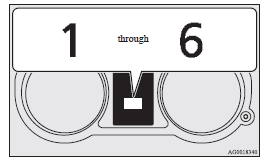
Manual shift display
In manual shift, the currently selected gear is displayed on the multi-information display.
See also:
Outlander in the Market
Practicality notwithstanding, the Outlander is just too rough around the
edges. Competitors have their annoyances — the CR-V has ride quality issues, the
RAV4 has an infernal sideways-swinging t ...
When turning from “ACC” to “LOCK”
[Vehicles equipped with M/T] Put the gearshift lever into the “N” (Neutral) position,
and slowly turn the ignition switch to the “LOCK” position while pressing it.
[Vehicles equipped with C ...
Operation of the automatic transmission INVECS-II
CAUTION
(1) Before selecting a gear with the engine running and the vehicle stationary,
fully depress the brake pedal to prevent the vehicle from creeping. The vehicle
will begin to move as soon ...