
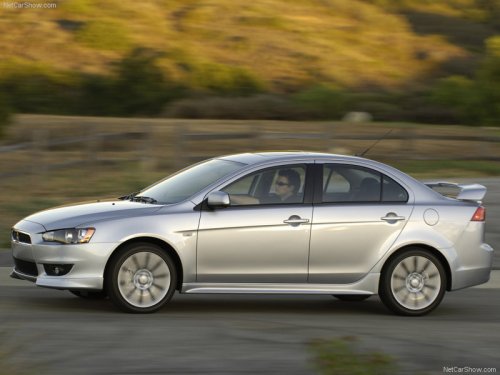
Mitsubishi Lancer
Mitsubishi Lancer
See also:
How to fast forward/rewind the tape
Fast forward
Press the PROG button (4 or 5) that is in the same direction as shown by the
display (8) to fast forward.
Fast rewind
Press the PROG button (4 or 5) that is in the opposite directi ...
Manual type
Operate the lever repeatedly to raise or lower the seat.
1- Raise
2- Lower ...
Brake fluid
Check the brake fluid level in the reservoir. The brake fluid level must be between
the “MAX” and “MIN” marks on the reservoir. The fluid level falls slightly with
wear of the brake pads ...