
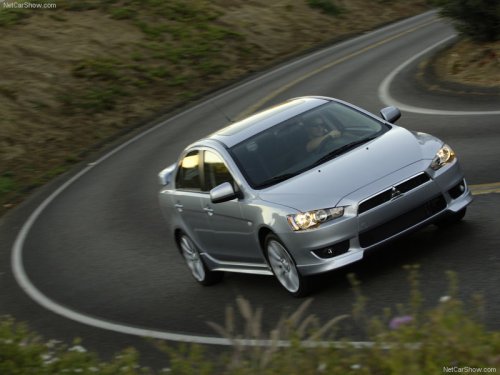
Mitsubishi Lancer
Mitsubishi Lancer
See also:
Driving, alcohol and drugs
Driving after drinking alcohol is one of the most frequent causes of accidents.
Your driving ability can be seriously impaired even with blood alcohol levels
far below the legal minimum.
If you ha ...
Lock switch
When this switch is operated, the passenger’s switches cannot be used to open
or close the door windows and the driver’s switch cannot open or close any door
windows other than the driver’s ...
Speedometer
Type 1
The speedometer indicates the vehicle’s speed in kilometres per hour (km/h).
Type 2
The speedometer indicates the vehicle’s speed in miles per hour (mph) and kilometres
per hour (k ...