
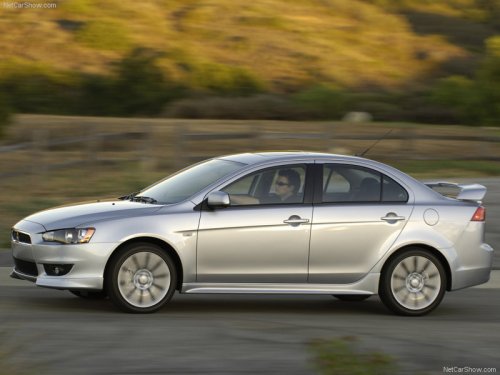
Mitsubishi Lancer
Mitsubishi Lancer
See also:
Steering control switch
1- Volume up button
2- Volume down button
3- SPEECH button
4- PICK-UP button
5- HANG-UP button
Volume up button
Press this button to increase the volume.
Volume down button
Press this butt ...
Automatic air conditioning
The air conditioning can only be used while the engine is running. ...
How to adjust the tune
Manual tuning
The frequency changes every time the TUNE/SEEK button (6 or 7) is pressed. Press
the button to select the desired station.
Automatic tuning
After keeping the TUNE/SEEK button (6 or ...