
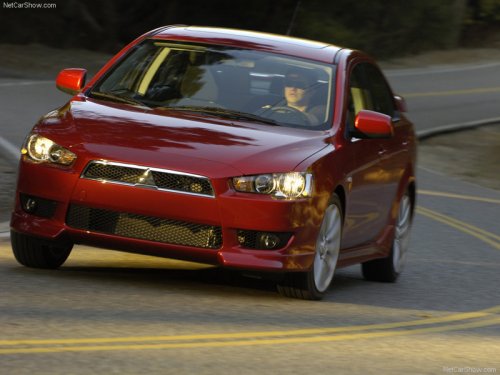
Mitsubishi Lancer
Mitsubishi Lancer
See also:
Security alarm system
The security alarm system is for alerting the surrounding area of suspicious
behaviour to prevent unlawful entry into the vehicle by operating an alarm if a
door, the rear hatch or the bonnet is o ...
Electric window control*
The electric windows can only be operated with the ignition switch in the “ON”
position.
Each door window opens or closes while the corresponding switch is pressed.
1- Driver’s door window ...
Snow tyres
The use of snow tyres is recommended for driving on snow and ice. To preserve
driving stability, mount snow tyres of the same size and tread pattern on all 4
wheels.
Snow tyres worn more than 50% ...