
Gallery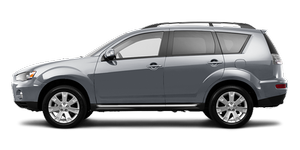

|

|

|

|

|
|

|

|

|
See also:
Wiper blades
Use a soft cloth and glass cleaner to remove grease, dead insects, etc., from
the wiper blades. Replace the wiper blades when they no longer wipe properly. (Refer
to page 9–18) ...
Headlamps (low beam, except for vehicles with high intensity discharge headlamps)
1. For petrol-powered vehicles equipped with turbocharger, when replacing the
bulb on the left side, remove the bolt (A) holding down the relay box and move the
relay box towards the rear of the v ...
At extreme cold ambient temperature
If the engine won’t start, depress the accelerator pedal about halfway while
cranking the engine. Once the engine starts, release the accelerator pedal.
CAUTION
When starting the engine, make su ...