
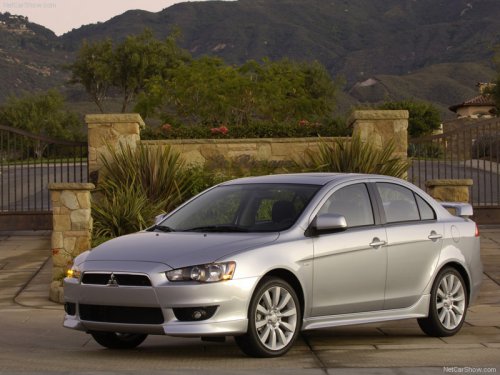
Mitsubishi Lancer
Mitsubishi Lancer
See also:
Fuse load capacity
The fuse capacity and the names of electrical systems protected by the fuses
are indicated on the inside of the fuse lid (LHD vehicles), the inside of the glove
box (RHD vehicles) and inside of th ...
Mitsubishi Carisma Owner's Manual
h4 {color:#800000}
h3 {color:#0033CC}
h2 {color:#008000}
h1 {color:#FF0000}
...
USB control panel and display
1- AM/FM button
2- CD (Mode change) button
3- PWR (On-Off) button
4- PAGE (Title scroll) button
5- DISP (Title display) button
6- RPT (Repeat) button
7- RDM (Random) button
8- (Fast-revers ...